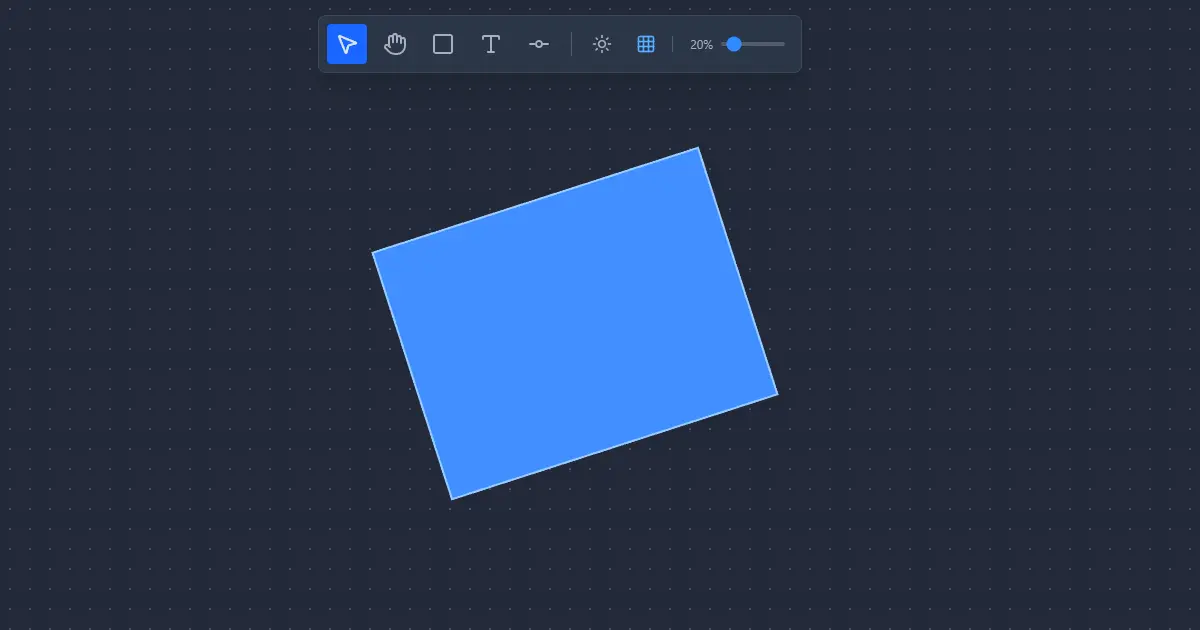
I’m starting this section with this article dedicated to what will probably be my first public development. These articles are not intended to be guides to teach anyone anything, rather they are a diary of the development process.
I will start each project by breaking down ideas and analyzing needs. I will try to document the work in as much detail as possible, and surely if I later see that changes or updates need to be made to the code that affect this article, I will try to add references.
My Goal
What I intend is to fight with React to learn it better along with TypeScript by creating an application from scratch and using modern technologies. The idea simply stems from necessity, since at work I am trying to diversify my profile because until now I have spent 4 years with Power Apps, a few months fixing style errors in projects already in production with React, and on my own site developed in Astro. Finally, I need to fill my portfolio with some project, so if this project is successful, it could be the first one.
Incidentally, this project also gives me content to liven up my portfolio and create something I’ve wanted to do for a very long time: a digital garden. A place to leave my ideas, discoveries, or progress in development.
In the course of developing this project, StarDraw ✨😎, I don’t just seek to clone functionalities, but also understand “how” some things work behind the scenes and contribute some ideas of my own that make my tool more useful than what Excalidraw offers me. The project will be FOSS and will be published on GitHub so that anyone can use or contribute to it. Also, I will weigh the idea of keeping it in production if costs don’t skyrocket.
Having reached this point, the decided technologies are:
- React 19 + Vite + TypeScript
And the alternatives in respective technologies that I plan to investigate are:
- Konva or Fabric.js
- Overwatch or Zustand
- SortableJS or React DnD
The Idea
While I learn, I want to build an Excalidraw clone but customized to my taste, both in design and functionalities, with some extras since I miss things in the original tool.
- Better control of dark mode colors.
- Save/export a PNG/JPG image directly from any selected canvas element.
- Grid snap for elements.
- More typography options for texts.
- Better text size management.
- Better text color management.
- Support for node or database type diagrams.
Important parts I want to maintain are the “local first” philosophy and the possibility of exporting projects in a format that can later be loaded and edited.
Tech Stack
1. React 19 + Vite + TypeScript
I haven’t worked much on projects from scratch with React, but from everything I’ve read so far I know it is a mature technology, with a long history and many support libraries that facilitate doing a wide variety of things, and that’s why I choose it. But most importantly, as I mentioned, I specifically need to learn it well for my work along with TypeScript so this is decided from the start.
2. Canvas Library
This would be the most important piece of the project, obviously it is something I am not going to build from scratch, not today 🤣, and since I have no idea how to develop this type of application I ask Gemini 3 to see what it recommends using and its answer is Konva. According to what it says, Konva is a library for handling the canvas.
“Working directly with the browser’s Canvas API is verbose and complex to maintain. Konva offers
us an object-oriented abstraction (layers, groups, shapes) and react-konva allows us to handle
it declaratively, integrating perfectly with the React lifecycle.”
Well, and since I’m not going to settle for the first option, I keep looking for alternatives, and along the way I discover Fabric.js, which is also a widely used library for canvas handling. Indecisive and being a bit of a performance fan, I look for documentation on the matter and find a recent article.
Konva.js vs Fabric.js: In-depth Technical Comparison and Use Case Analysis
The conclusion drawn is that Konva offers better performance when facing heavy loads. In the case of Fabric.js, it is not a bad library at all, its advantage is that it is easier to use in exchange for lower performance.
It’s hard to decide, what I think is that it’s likely I will never take full advantage of the performance Konva offers since they explain it is oriented towards game creation, and that’s saying a lot. Fabric.js on the other hand is likely to help me not to overthink things too much and therefore not waste too much time… and hey! if I change my mind I think it’s never too late to refactor and try Konva once the project is finished. So for now I think I’ll try with Fabric.js.
3. Global State Management
I have this quite clear. Zustand is a lightweight and widely used library. It’s not the only option, and along the way I read about a new competitor that has much better performance, Overwatch TS, but I’ll stick with Zustand because I don’t plan to complicate things either. I note down Overwatch for some future project. Here the goal is to learn React and for that I shouldn’t complicate myself too much, plus this philosophy is the correct one if I don’t want to end up abandoning the project, I need to break the barrier and publish my first project.
I leave you with an article comparing two of the main global state management libraries and Overwatch TS. I mean, really, if what they say about Overwatch TS is true, it seems it wipes the floor with them. But it’s a bit like the Konva case, is it worth it for small projects with low demands?
Redux Toolkit vs Zustand vs Overwatch: Who wins the performance benchmark?
4. Auxiliary Tools
I asked Gemini 3 some things regarding whether Fabric.js or Konva offered functionalities to organize layers or UI elements easily with Drag & Drop and it recommended using SortableJS.
I suppose later when I get to the topic I will investigate it better, but for now I saw this other article comparing three libraries to handle drag & drop in React.
react-dnd, sortablejs, vuedraggable
Finally, while doing tests I started using lucide-react icons so in this project I will keep using them.
First Steps of Development
The basics, I create the project with Vite and a React template with TypeScript. Then, install Fabric.js, Zustand, Tailwind and lucide-react.
npm create vite@latest -- --template react-ts
npm install fabric zustand tailwindcss lucide-react
npm create vite@latest -- --template react-ts
npm install fabric zustand tailwindcss lucide-reactRegarding Tailwind, I’m going to explain the next steps for a moment. Since version 4, Tailwind integrates with Vite via a plugin, once tailwindcss is installed, where previously it had to be initialized, now the plugin must be installed. We will execute this command to install it as a development dependency with -D.
npm install -D @tailwindcss/vitenpm install -D @tailwindcss/viteOnce the plugin is installed, it must be added to the Vite configuration file by importing tailwind and adding it as a plugin.
import tailwindcss from '@tailwindcss/vite';

export default defineConfig({
  plugins: [tailwindcss(), ...],
});
import tailwindcss from '@tailwindcss/vite';
export default defineConfig({
plugins: [tailwindcss(), ...],
});The result currently looks something like this:
import { defineConfig } from 'vite'
import react from '@vitejs/plugin-react'
import tailwindcss from '@tailwindcss/vite' // Import the plugin

export default defineConfig({
plugins: [
  react(),
  tailwindcss(),  // And we add it here. Plugins that modify the
                  // build (like React or Tailwind) go here.
],
})
import { defineConfig } from 'vite'
import react from '@vitejs/plugin-react'
import tailwindcss from '@tailwindcss/vite' // Import the plugin
export default defineConfig({
plugins: [
react(),
tailwindcss(), // And we add it here. Plugins that modify the
// build (like React or Tailwind) go here.
],
})And now replace the content of index.css with the following import:
@import "tailwindcss"@import "tailwindcss"We are reaching the final steps, it’s necessary to clean up the default code generated by the Vite template a bit. We just have to delete the src/App.css file, clean the src/App.tsx file and make sure src/main.tsx contains the basics.
function App() {
  return (
    <div>
      <h1 className="text-3xl font-bold underline">Star Draw</h1>
    </div>
  )
}

export default App
function App() {
return (
<div>
<h1 className="text-3xl font-bold underline">Star Draw</h1>
</div>
)
}
export default AppI will also delete the assets/react.svg and assets/vite.svg files.
Now, ideally, every time we complete a piece of code, change, or feature, the right thing to do is to save changes to git with a commit, but we don’t have an initialized repository, so we will initialize it by creating the local git repository and then we will upload it to GitHub.
git init
git add .
git commit -m "Initial commit"
git branch -M main
git remote add origin https://github.com/hunkstalker/stardraw
git push -u origin main
git init
git add .
git commit -m "Initial commit"
git branch -M main
git remote add origin https://github.com/hunkstalker/stardraw
git push -u origin mainReminder:
git init: Initializes the local git repository.git add .: The wordaddis used to add changes to the stage (preparation) and the dot.selects all files.git commit -m "Initial commit": Creates the first commit. The-mflag allows adding the commit message directly.git branch -M main: Renames the current branch tomain.Note: This is useful if your default configuration creates the branch as
master.git remote add origin ...: Links the local repository with the remote one.originis the alias we will use to refer to the repository URL (https://github.com/hunkstalker/stardraw).git push -u origin main: Uploads changes to GitHub. The-uflag links your localmainbranch with the remoteorigin/main, allowing you to simply usegit pushin the future.
At the end of each article, I will try to leave the link to the specific GitHub commit so you can see exactly how the code looked at this point.
Great! And with this I have the whole initial process of creating a project in Vite + React leaving it completely clean. And we have it uploaded to GitHub. Here it will remain for when anyone wants to consult it. This is not a guide, but you can learn with me.
In the next entry I will get on with the project structure creating the main folders and files and creating the Canvas with Fabric.js.